Elevating Engagement

Elevating CustomerLoyalty

A one-click onboarding flow—no app download required.

Four modes.
One platform.

Every merchant chooses their optimal loyalty structure during onboarding. Switch anytime. No migration required.

01 — Stamps

Stamp Cards

Reward loyal customers with digital stamp cards that live in their native wallet.

  • Issue stamps per visit or spend threshold
  • Fills automatically unlock a gift in the wallet
  • Cool-down timers prevent scanning abuse
See it in action →
02 — Points

Points System

A flexible points engine that lets customers earn and redeem across every visit.

  • Set custom earning rules (e.g., $1 = 10 points)
  • Customers unlock rewards with points
  • Multi-tier earn rates
See it in action →
04 — Tiers

Tier Program

A VIP progression system that unlocks unique benefits as customers climb tiers.

  • Bronze → VIP Elite
  • Unlock unique benefits per tier level
  • Daily login + offline windows
See it in action →
05 — Cashback

Cashback Rewards

Automatic percentage-based cashback that customers can redeem on future visits.

  • Percentage-based cashback
  • Automated reward delivery
  • Customizable redemption rules
See it in action →

Effortless Loyalty
Management in 3 Steps

From creation to cash register, launching your digital reward ecosystem takes less than 10 minutes.

  1. Create & Configure

    Choose your reward mode, upload your business logo, and define your program rules inside our intuitive merchant dashboard.

    Merchant dashboard screenshot
  2. Scan & Activate

    Customers add the digital pass to their native wallets. On their first checkout, the barcode activates the pass instantly via the LoyalUp Merchant App.

    Customer scanning a loyalty pass at checkout
  3. Track & Grow

    See real-time dashboards, free lock-screen push notifications, and monitor live customer retention metrics from one unified screen.

    Merchant viewing analytics dashboard

Built for every kind of local business

LoyalUp is designed to work for a wide range of businesses.

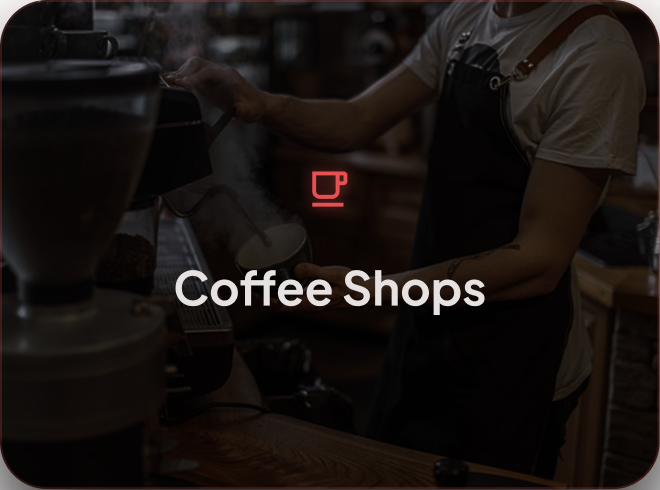
Cafes & Coffee Shops
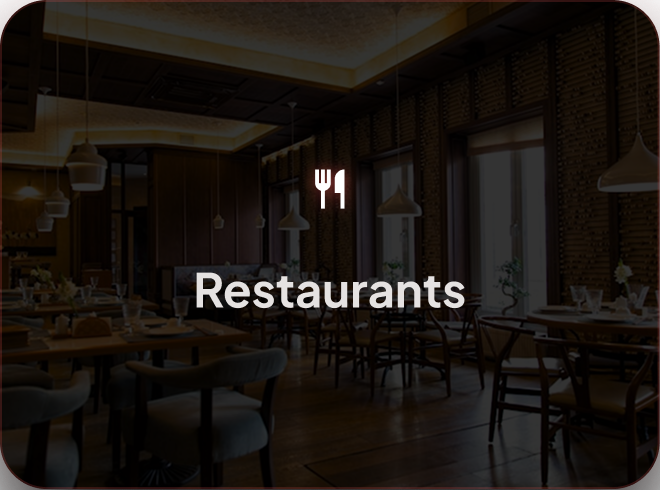
Restaurants & Food Service
Fitness & Classes
Hair, Beauty & Personal Care
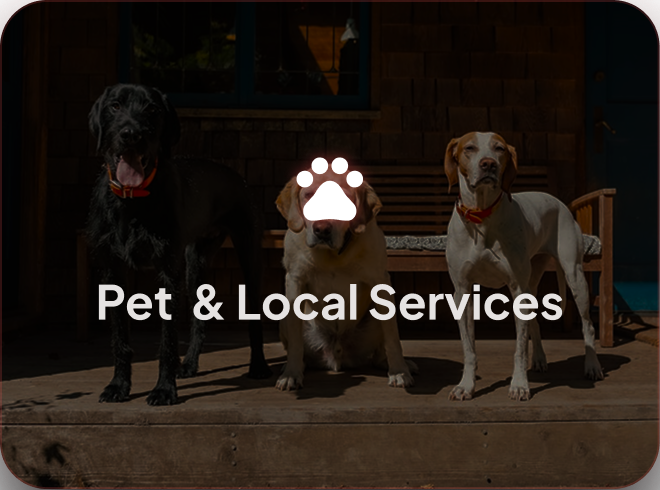
Pet Care & Local Services
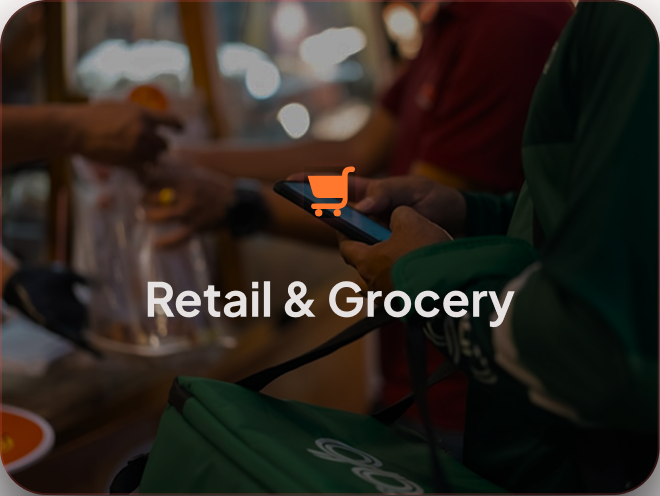
Grocery & Daily Retail
View industries →

Frequently
Asked
Questions

Still no luck? We can help!

Can't find what you're looking for? Our team is happy to answer your questions.

Submit a request

No. LoyalUp issues native Apple Wallet and Google Wallet passes. Customers tap a link or scan a QR code and the pass is added directly to their phone — no app download required.

Open the LoyalUp Merchant App, tap "Issue Stamp," and scan or tap the customer's pass. The stamp is added instantly and the customer's wallet card updates in real time.

No worries — our onboarding team will follow up within 24 hours to reschedule. You can also reach us anytime via the contact form or email.

Yes. All data is encrypted in transit and at rest. We never share customer data with third parties, and you retain full ownership of your customer list.

Submit a request via our contact form and our support team will respond within one business day. For urgent issues, include "URGENT" in your message subject.